

-
 Security Rotary$180.00
 -
GB Boy Color Colour$50.00
-
Rakoon Large$15.00
-
Brand New VSGO$60.00
-
1PC Pocket Brush$65.00
-
FLOVEME Sport$80.00











Item Name
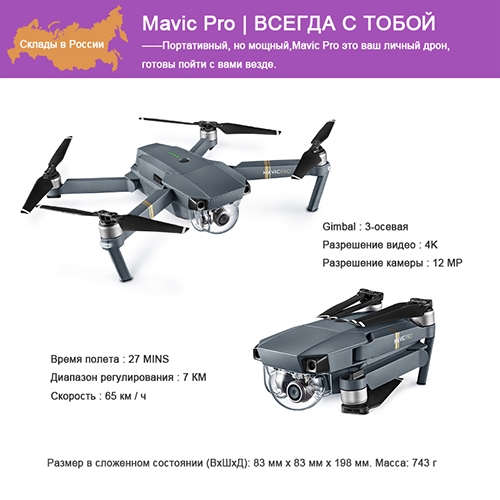
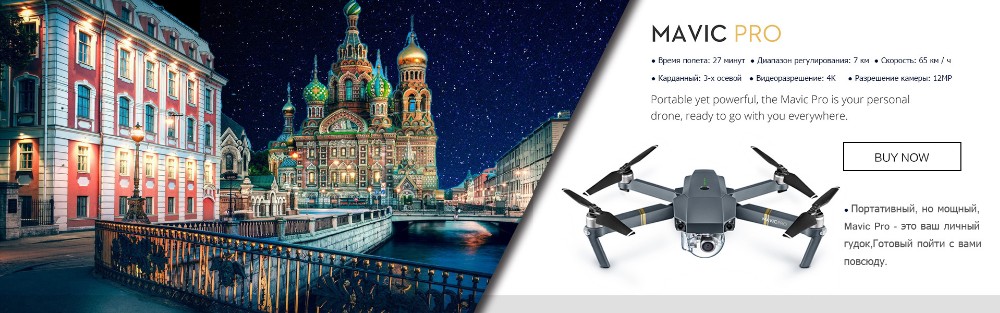
In stock!DJI Mavic pro drone with 4K video 1080p camera rc helicopter 27 mins Flight time+1 Extra battery
Shipping: we can send it within 1-2 business days after the payment confirmation !!!

Please make sure below conditions before order:
Note:
we will send this value pack by Singapore EMS shipping method(Mavic Pro),the extra batteries need to ship by the Pony.
About Singapore EMS ,We can declare the customs value is $200- $500,if you want us to declare other customs value,please leave a message to us.
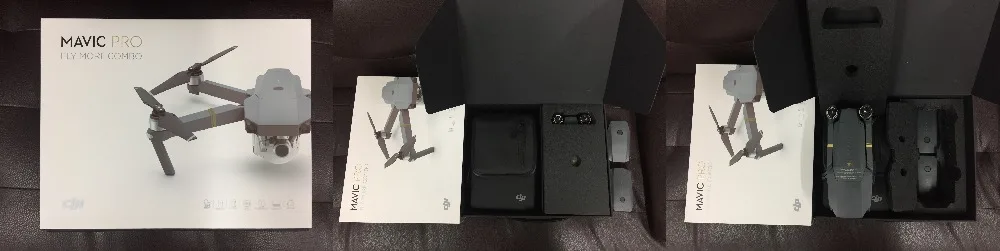
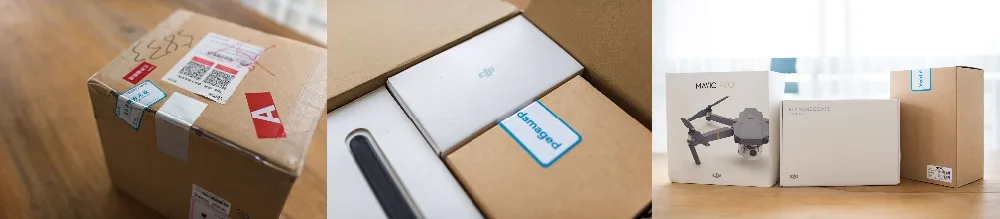
about the Mavic Combo packing:
NEW Packing:
Old Packing:
In the box
1.WHAT'S IN THE BOX——Two parts:
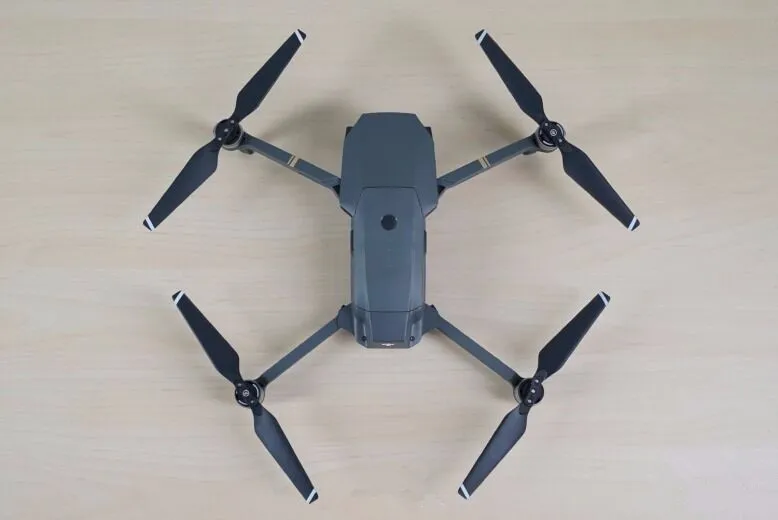
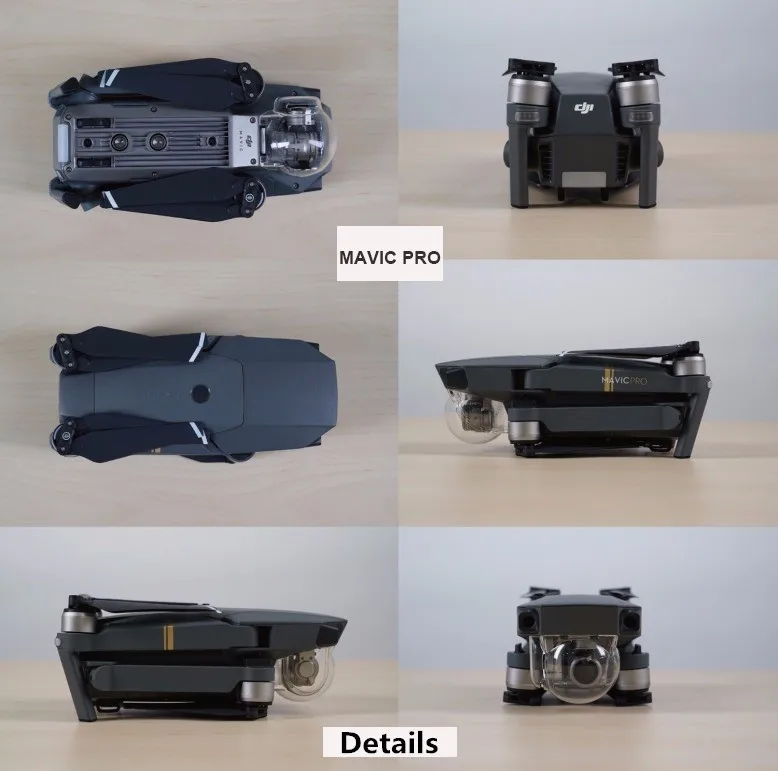
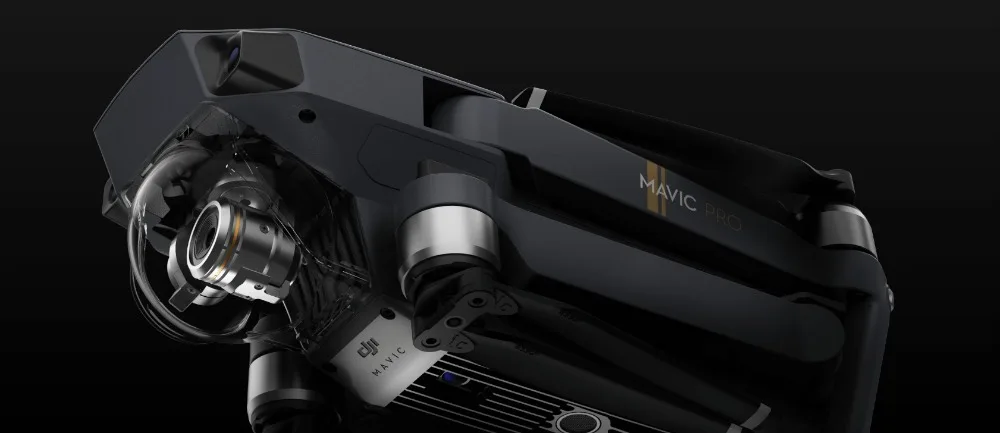
Part One:Mavic pro (DJI Official Standard) ,like this:
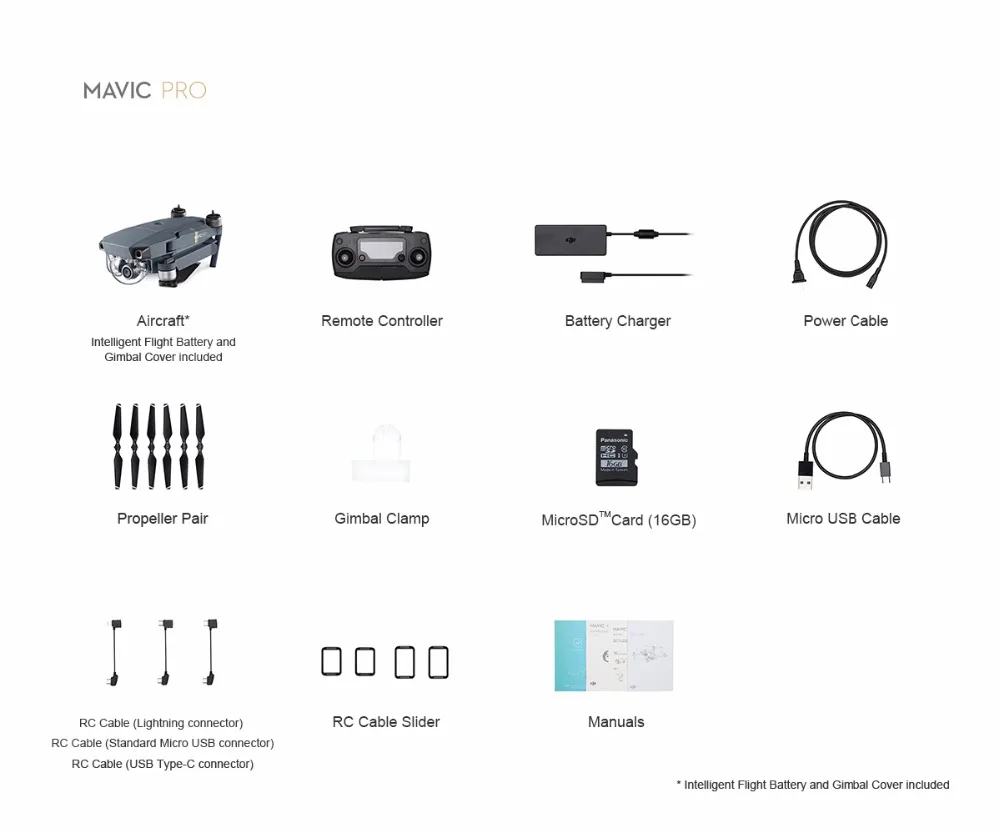
Part Two:Accessories
Value Pack 1:Mavic Pro+1 Extra battery
Value Pack 2:Mavic Pro+1 Extra battery+1 Mavic shoulder bag
Value Pack 3:Mavic Pro+2 Extra batteries+1 Mavic shoulder bag
Value Pack 4:Mavic Pro
Value Pack 5:Mavic Pro Fly More Combo
Overview
Mavic PRO
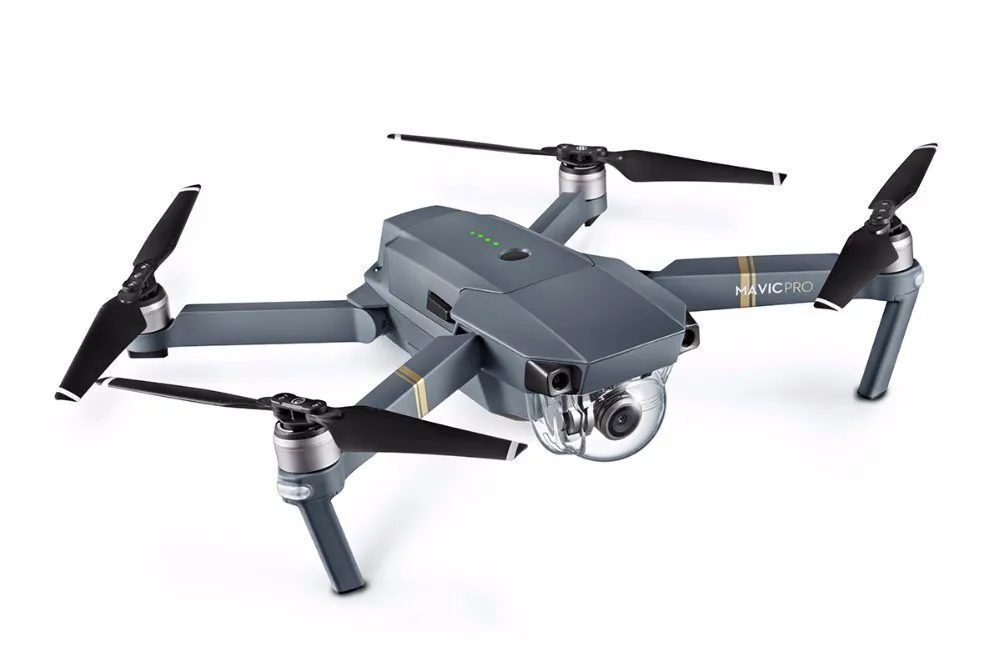
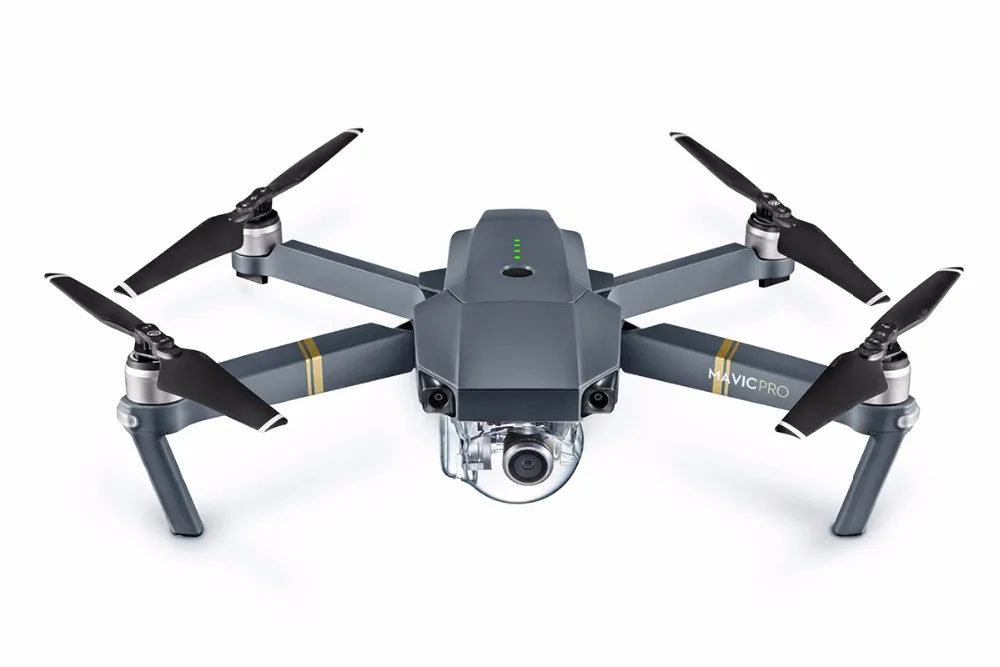
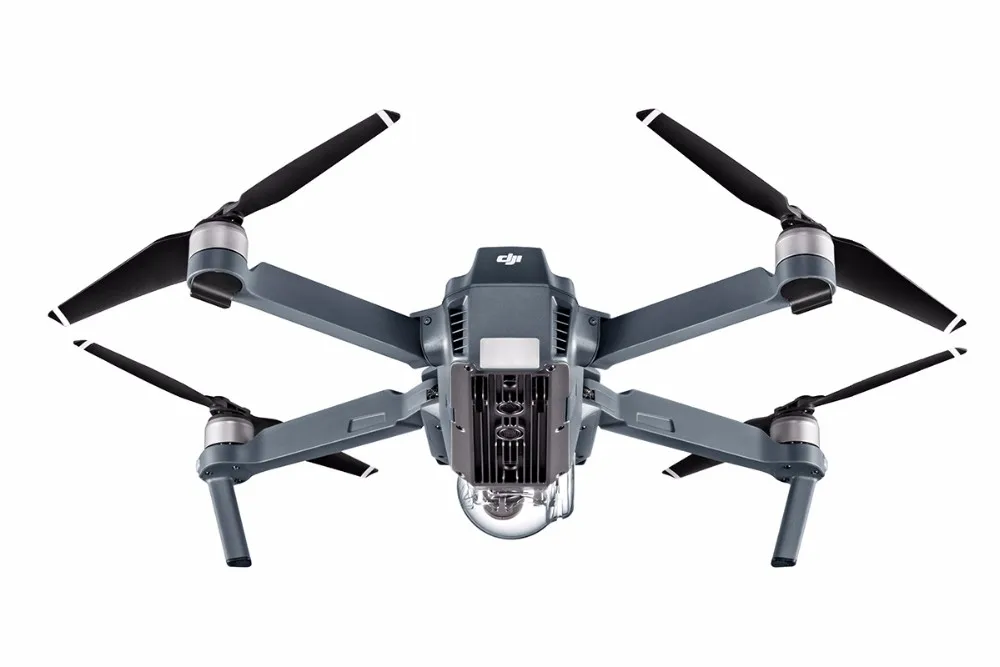
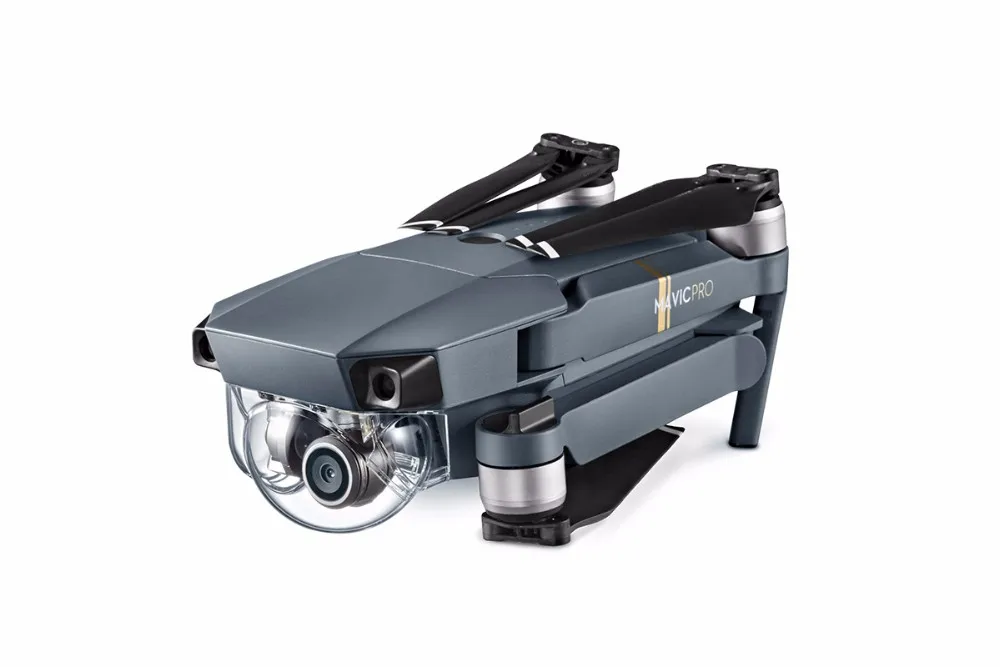
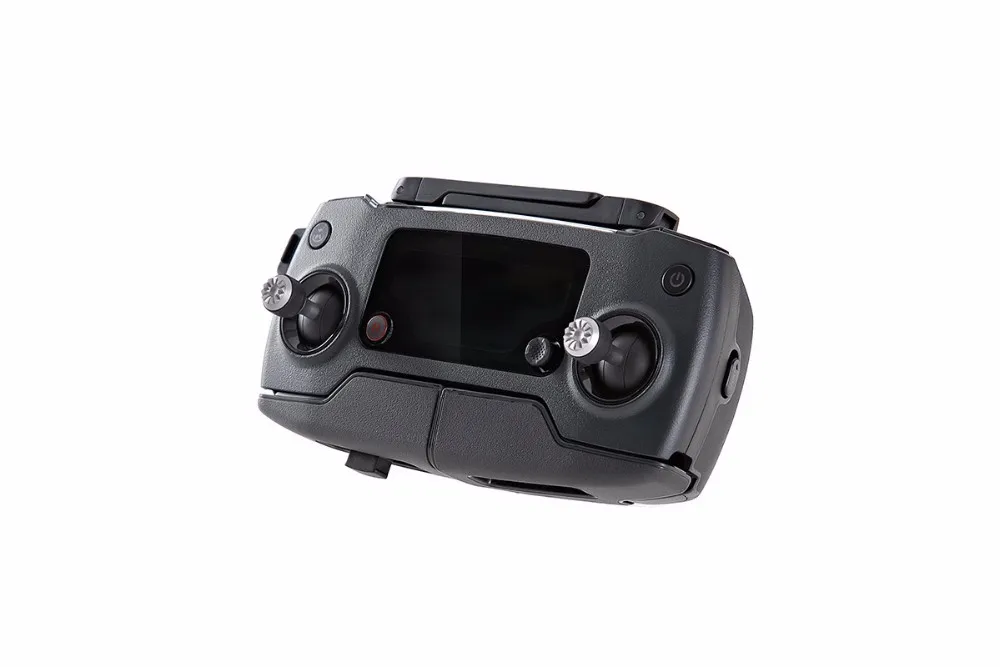
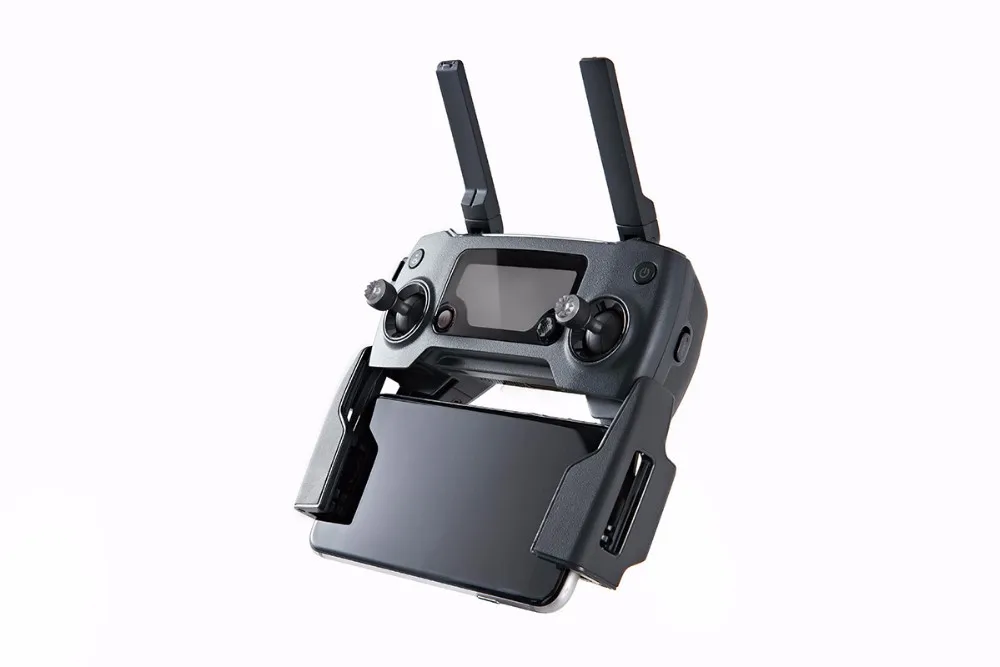
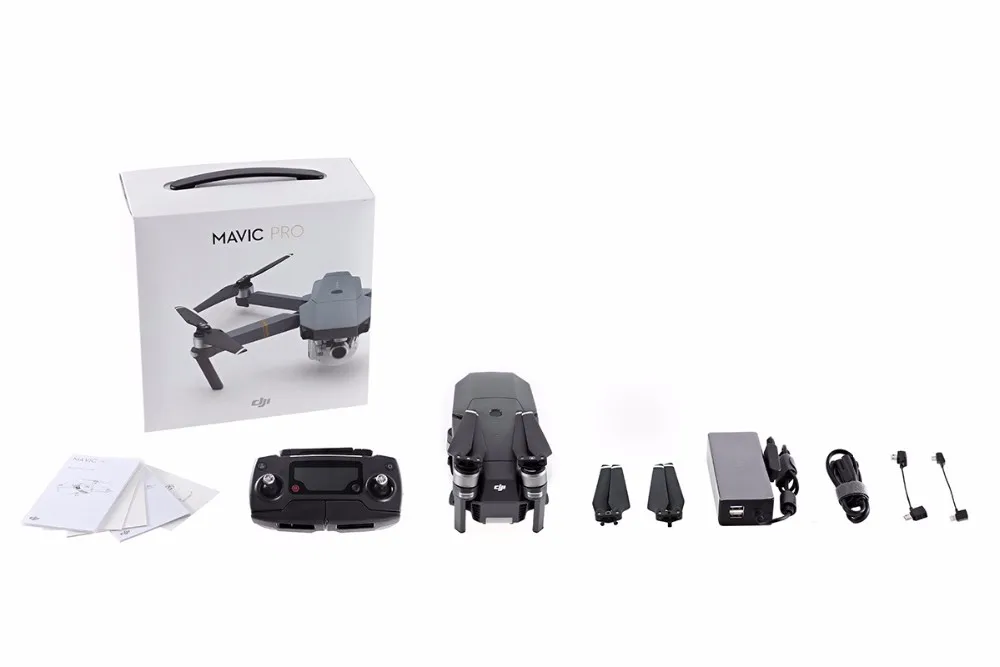
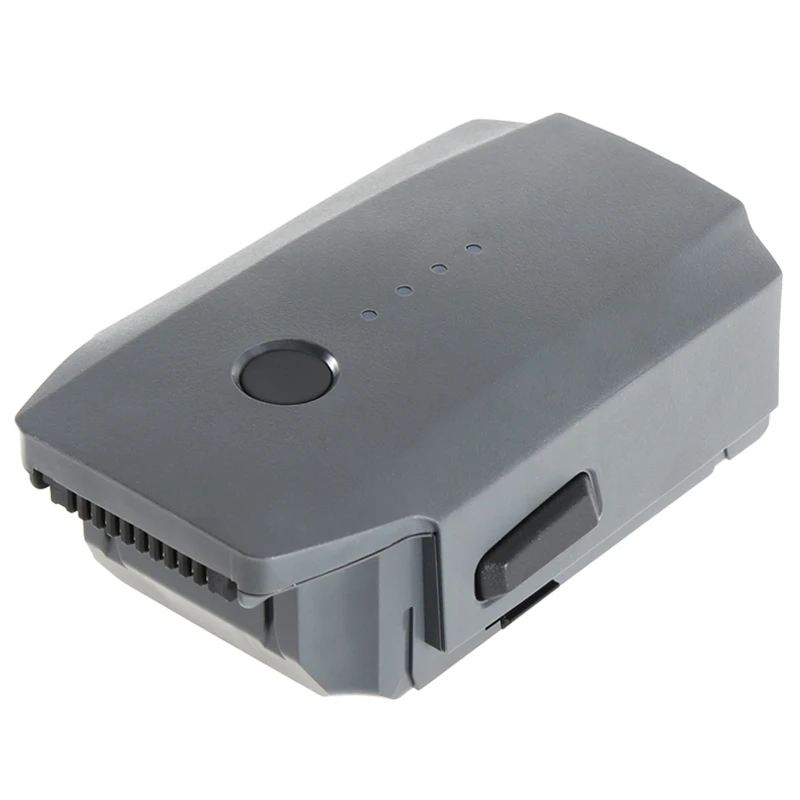
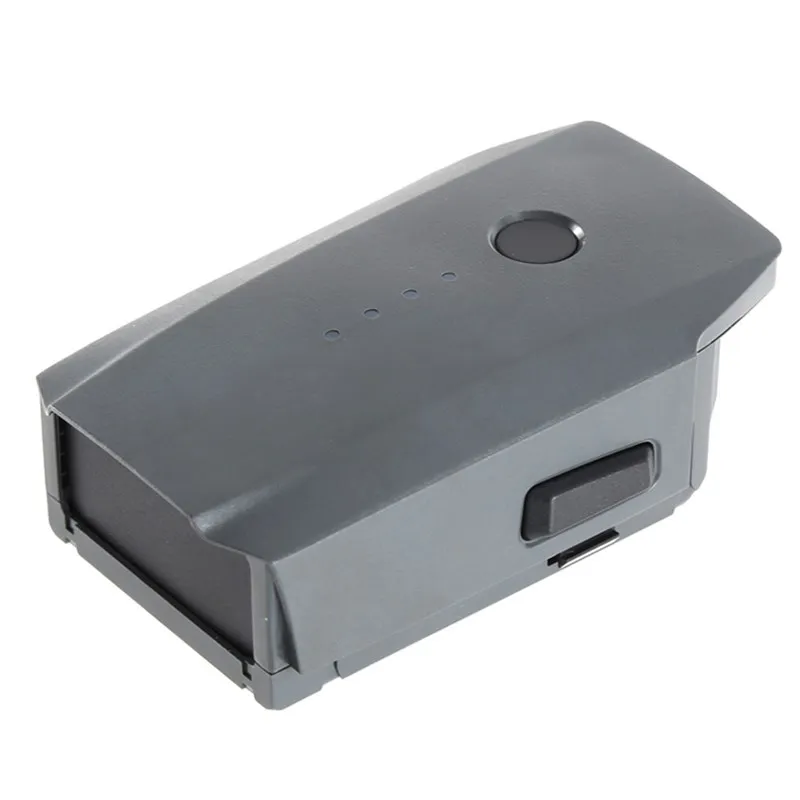
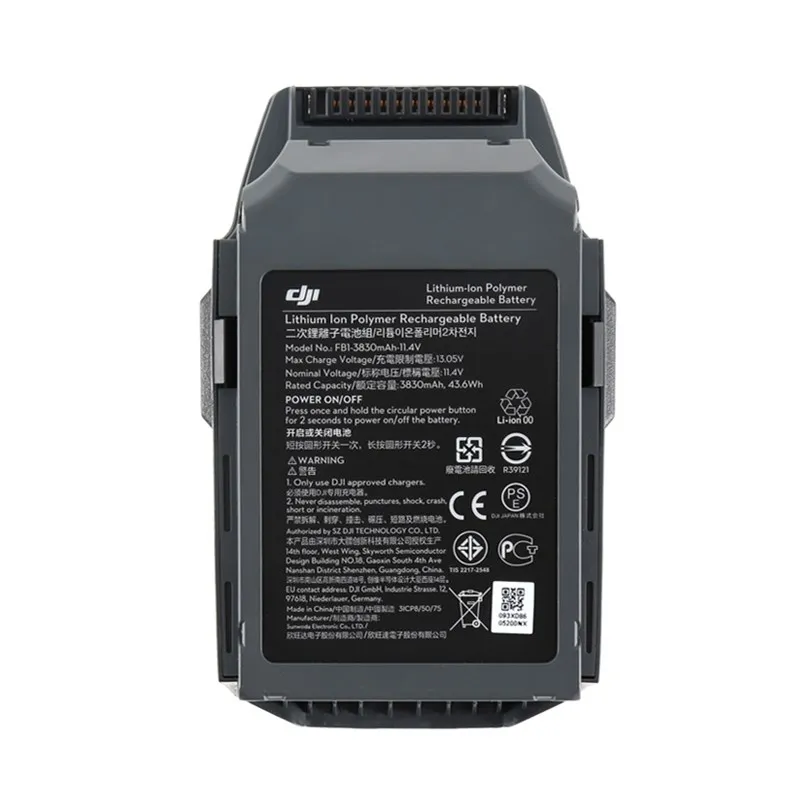
the Extra Battery
the shoulder bag
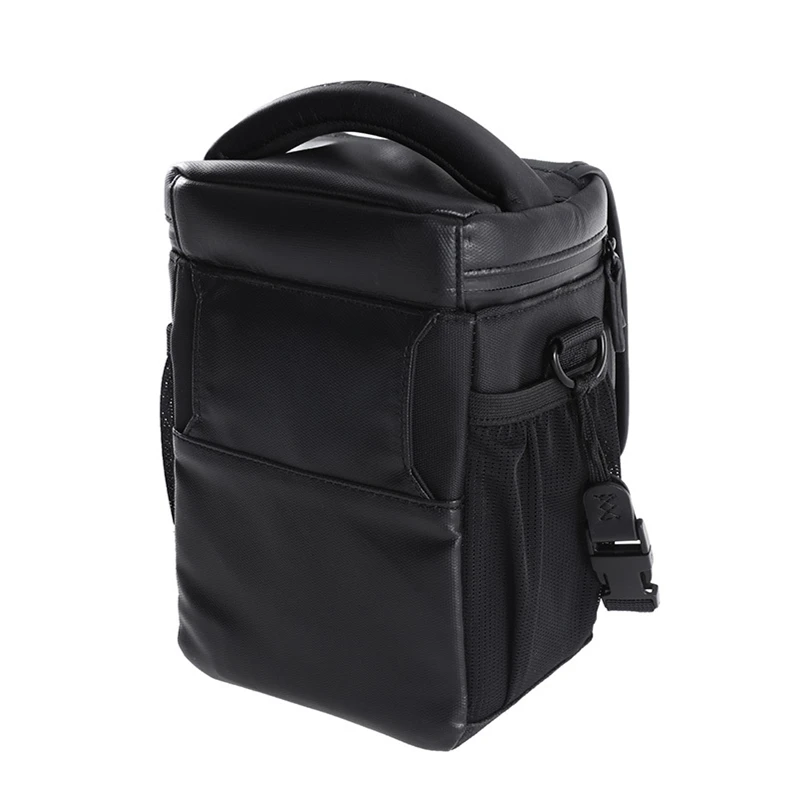
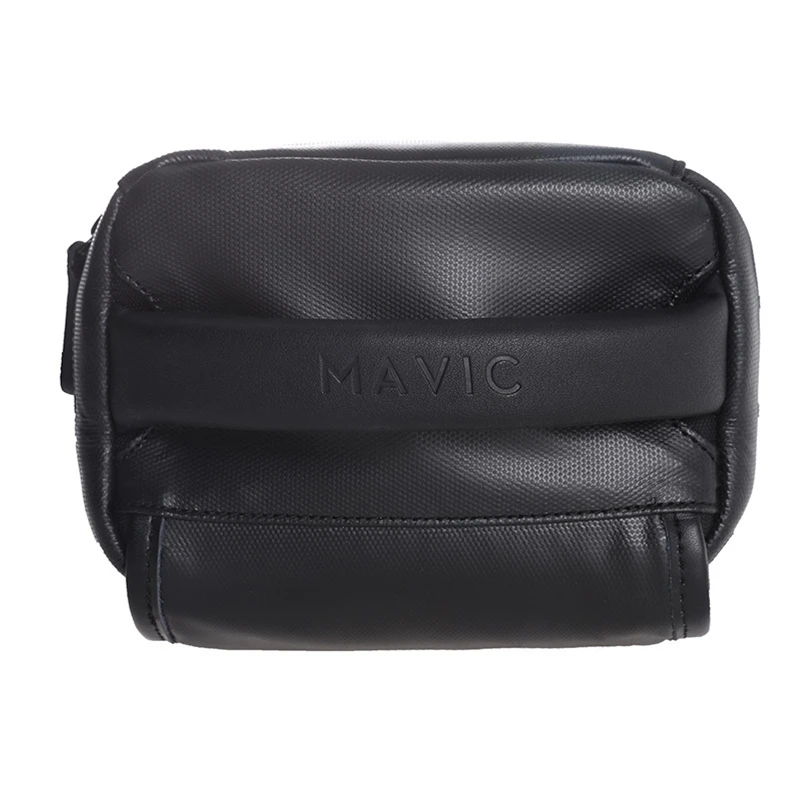
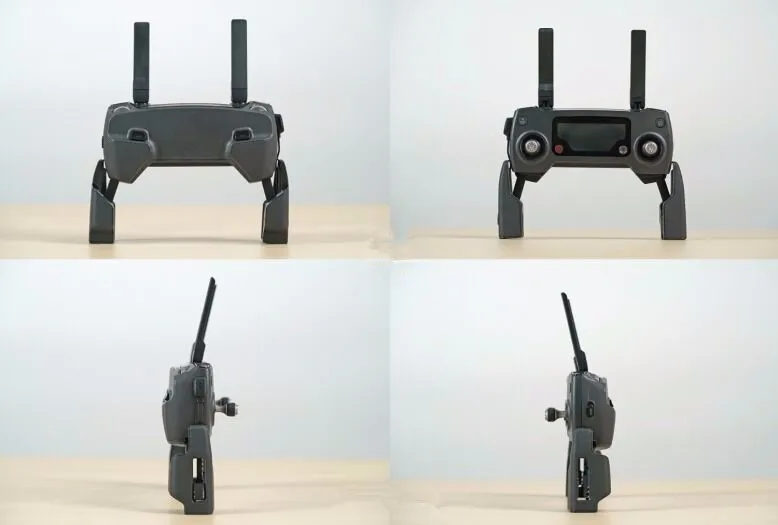
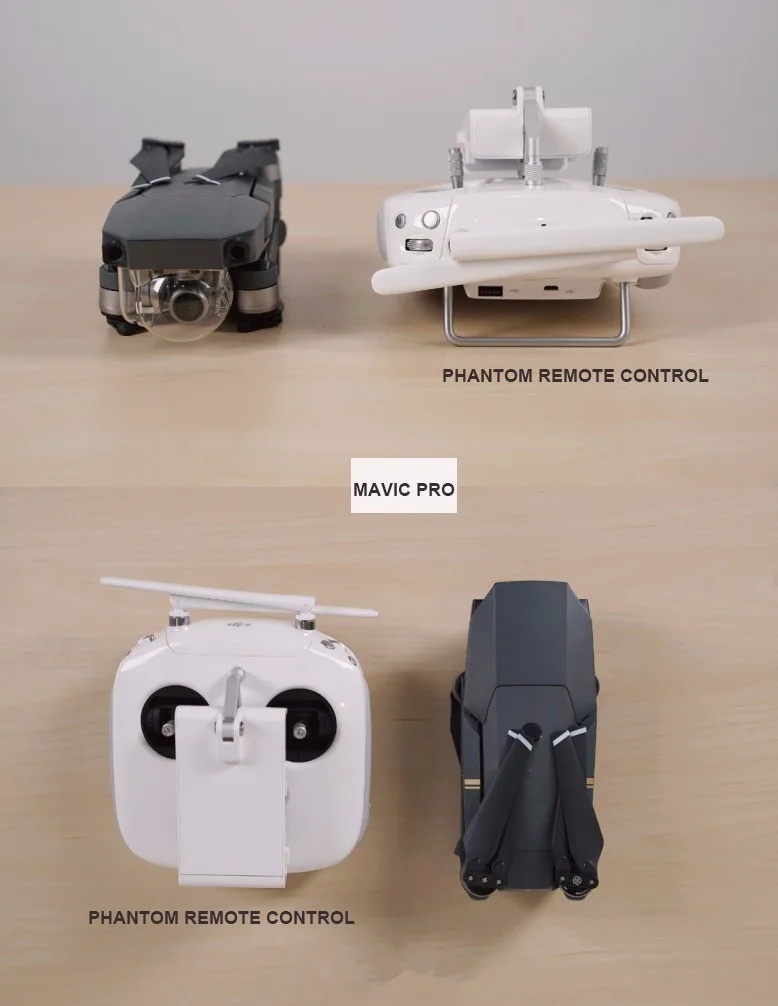
Real Pictures Display
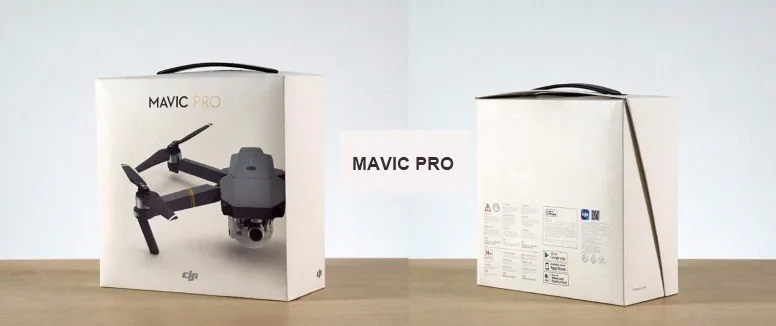
 、
、
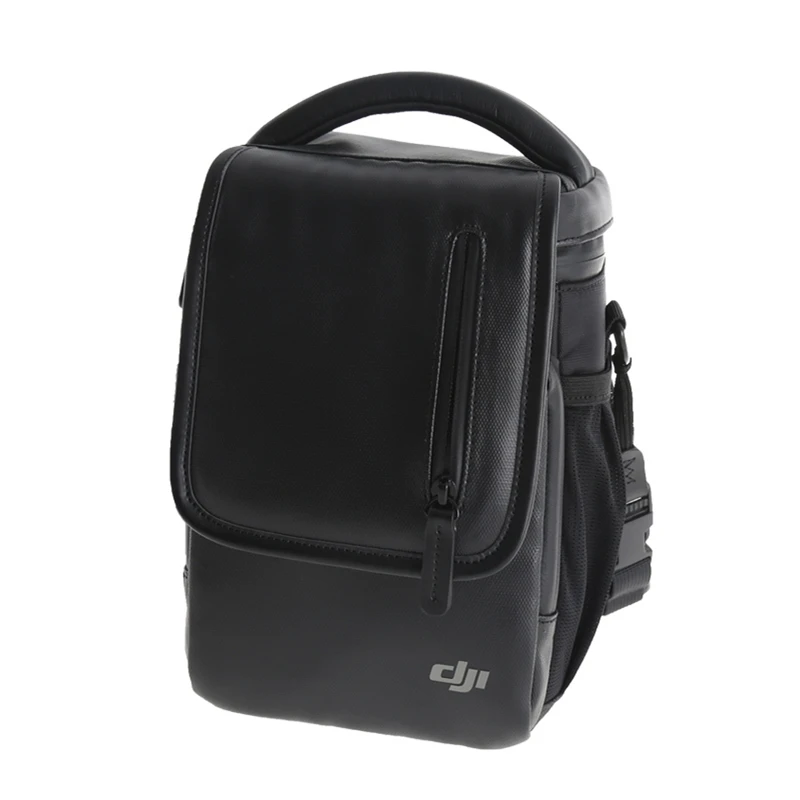
 Mavic Shoulder Bag can Holds: 1 aircraft, 1 controller, 4 batteries, 1 smartphone, and smaller accessories such as cables USD 74.99/piece
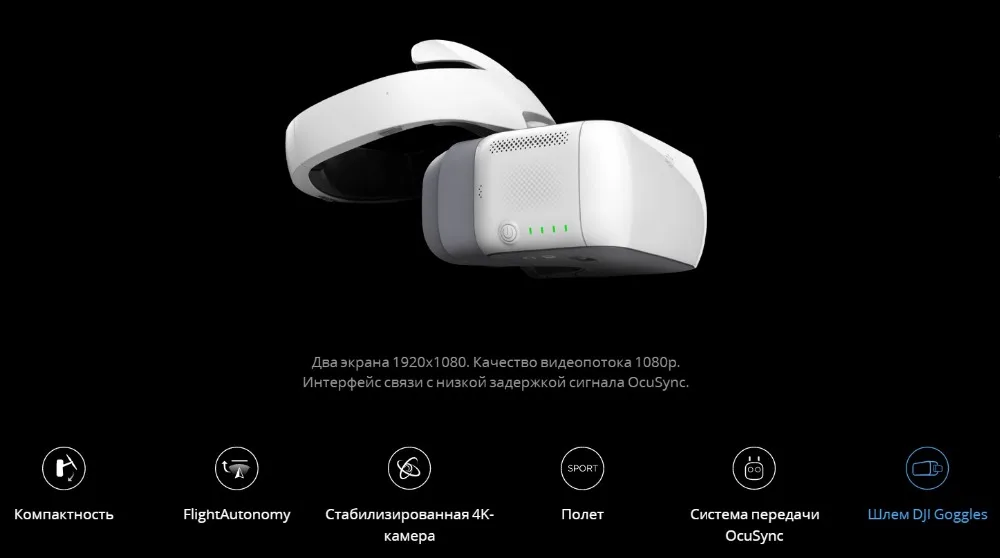
 IN Stock!DJI Goggles Immersive FPV, a pair of 1920*1080 HD screens and a head tracking feature(Gift:microSD card 16G)USD 589.00/piece
 Original DJI Mavic Pro Battery Intelligent Flight (3830mAh/11.4V) specially designed for the Mavic Drone(2 pieces is cheaper)USD 77.50-152.00/piece
 Mavic - Battery Charging Hub designed for use with the Mavic Intelligent Flight BatteryUSD 39.00/piece
 Mavic Car Charger used to charge the Intelligent Flight Battery through a car's cigarette lighter port Charge Time 54 minUSD 49.00/piece
Product Details


About Shipping
When you place an order, please choose a shipping method and pay for the order including the shipping fee. We will send the items within 1-7 days once your payment is completed.
We do not uarantee delivery time on all international shipments due to differences in customs clearing times in individual countries, which may affect how quickly your product is inspected. Please note that buyers are responsible for all additional customs fees, brokerage fees, duties, and taxes for importation into your country. These additional fees may be collected at time of delivery. We will not refund shipping charges for refused shipments.
The shipping cost does not include any import taxes, and buyers are responsible for customs duties.
About Warranty
We provide 12-months free maintenance. The buyer should return the product in the original conditions to us and should bear the shipping costs for return. If any part is required to be replaced, the buyer should also pay for the costs of the parts to be replaced.
Before returning the items, please confirm the return address and the logistics method with us. After you give the items to the logistic company, please send us the tracking number. As soon as we receive the items, we will repair or exchange them ASAP.
About Returns
We do our best to serve our customers the best that we can.
We will refund you if you return the items within 15 days of your receipt of the items for any reason. However, the buyer should make sure that the items returned are in their original conditions. If the items are damaged or lost when they are returned, the buyer will be responsible for such damage or loss, and we will not give the buyer a full refund. The buyer should try to file a claim with the logistic company to recover the cost of damage or loss.
The buyer will be responsible for the shipping fees to return the items.
About Feedback
Your satisfaction and positive feedback is very important to us. Please leave positive feedback and 5 stars if you are satisfied with our items and services.
If you have any problems with our items or services, please feel free to contact us first before you leave negative feedback. We will do our best to solve any problems and provide you with the best customer services.
FAQS Page
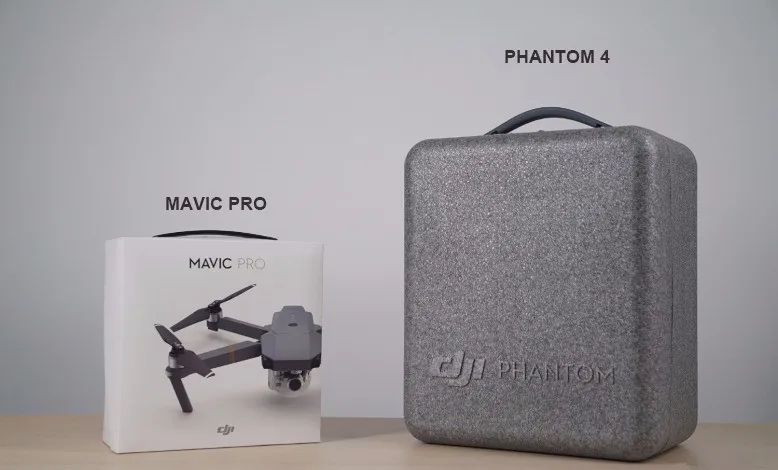
The Mavic is smaller, lighter, and easier to carry with you thanks to its foldable design. Its new OcuSync transmission system has a longer transmission range and 1080p resolution. Due to its larger size, the Phantom 4 has a higher maximum speed and can withstand stronger winds.
The folding mechanism has been tested to last at least 5000 folds. It is unlikely that it will wear out during the Mavic’s lifetime.
The two cameras have the same features, but the Mavic’s camera has a smaller FOV, is able to focus as closely as 0.5m and can be rotated 90° for portrait shots and selfies. The Phantom 4’s larger FOV makes it better suited for landscape imaging.
No. As the Mavic chassis is low to the ground, only take off and land in suitable areas that are flat and free of puddles.
Focus is essential to capturing sharp images. To enable auto focus: 1. Tap the screen in the DJI GO app camera interface. 2. Long tap the screen to enable auto focus when using ActiveTrack, TapFly and Gesture modes. (This function needs to be enabled in General Settings) 3. Focus at the center by pressing a customizable button. C1 is set by default and can be used during normal flight or while using Intelligent Flight Modes.
The focus range of the Mavic is 0.5m to infinite. Slide along the bar until you reach a focus point. Sliding straight to infinite focus does not guarantee sharp focus.
The Mavic Pro supports a 2x digital zoom, but does not support optical zoom. You can zoom in or out by draging on the screen or by pressing the customizable buttons.
Slide to the left on the screen and tap the a Portrait/Landscape icon, or by pressing customizable buttons.
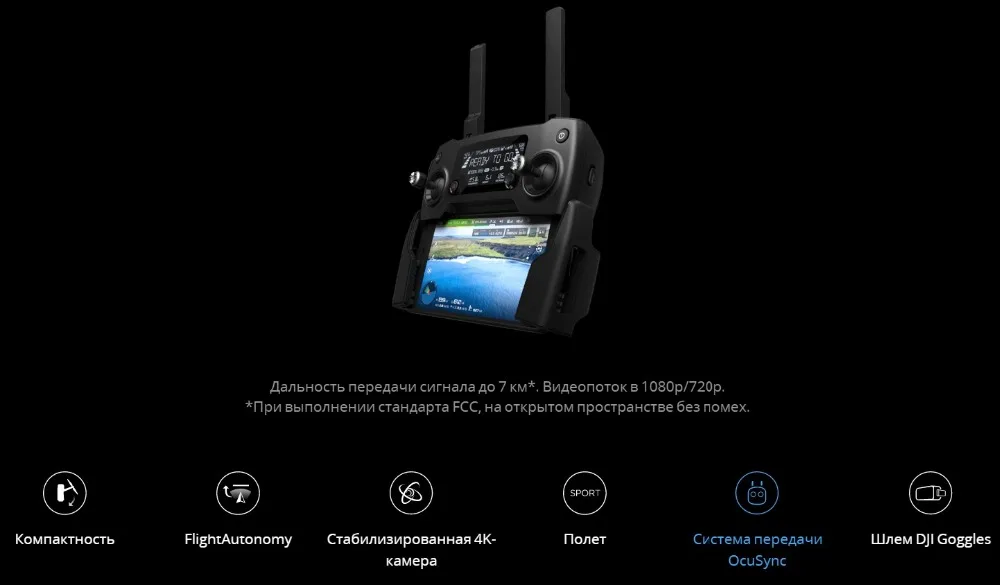
The Mavic remote controller uses DJI’s OcuSync transmission technology, giving it an increased range of up to 4.3mi (7km) in open areas without interference, FCC compliant. When using a smartphone connected via Wi-Fi, the controllable range is 80m, and maximum altitude is 50m, making it suitable for short-range shots like selfies and for setting up ActiveTrack. You can also download photos and videos directly from the Mavic to your mobile device via Wi-Fi. By sliding the Control Mode switch on the right hand side of the aircraft, you can choose easily between Wi-FI and RC mode depending on which transmission type you need.
First, make sure that your aircraft is powered off.
Then, open the small cover on the right hand side of the aircraft body.
Slide the switch to the left to enable Wi-Fi control, or to the right
to use the remote controller.
The Mavic remote controller can fit smartphones between 6.5-8.5mm thick and up to 160mm long, without a phone case. Phones and tablets larger than this do not fit the remote controller’s device holder.
Yes, you can. However, for the best user experience, we recommend that you use a dedicated Mavic RC (Remote Controller) Cable to connect your phone.
Three cables are included in the box: one with Lightning connector, one with a standard Micro-USB connector and the third one is the USB Type-C connector.
For security purposes, each Mavic has its own SSID and password that can be found on a sticker on one of the forearms of the aircraft and inside the battery compartment. For your first use, you can scan the QR code with the DJI GO app to connect to the aircraft*, or enter the password manually under your phone’s Wi-Fi settings. (*Only available for Android devices).
No. You must use the DJI GO app to connect to your aircraft.
Connect to your Mavic via Wi-Fi and then enter Camera View. Now enter Wi-Fi settings to manually set the SSID and password.
Turn on the Mavic in Wi-Fi mode, press the linking button and hold for 5s.
The 2.4G Wi-Fi frequency was developed a long time ago, 5G Wi-Fi is newer. As 2.4G is older, more devices use this frequency, making it more likely to suffer from interference. 5G is less prone to interference as there are less 5G devices, but not all phones support the 5G frequency. You can switch between these two frequency bands in the Wi-Fi Settings menu in the DJI GO app.
C1, C2 and 5D buttons on the remote controller are customizable. Default settings: C1: Focus at the center, C2: Play back, 5D Up: Recenter gimbal, FD Down: Tilt gimbal down, 5D Left: Zoom in, 5D Right Zoom out.
It tells the Mavic Pro to hover, pausing the flight.
Phone with display facing up:
Standard Micro USB connector
Reverse Micro USB Connector
The Remote Controller Cable (Standard Micro USB Connector) is
compatible with: Samsung, Huawei, Motorola and more. The Remote
Controller Cable (Reverse Micro USB Connector) is compatible with: HTC,
Mi, OPPO and more. For Sony, VIVO, and other brands, phone compatibility
differs by model. Please take care to choose the correct type for your
phone.
No. Just fold the propellers and you are good to go.
Once the rotors start spinning, the centrifugal force will automatically push the propellers into the correct position, so you don’t need to worry about not having unfolded them perfectly.
No.
The Mavic can withstand a level 5 wind, also called a fresh breeze. This is defined as wind speeds of 19–24mph (29–38kph).
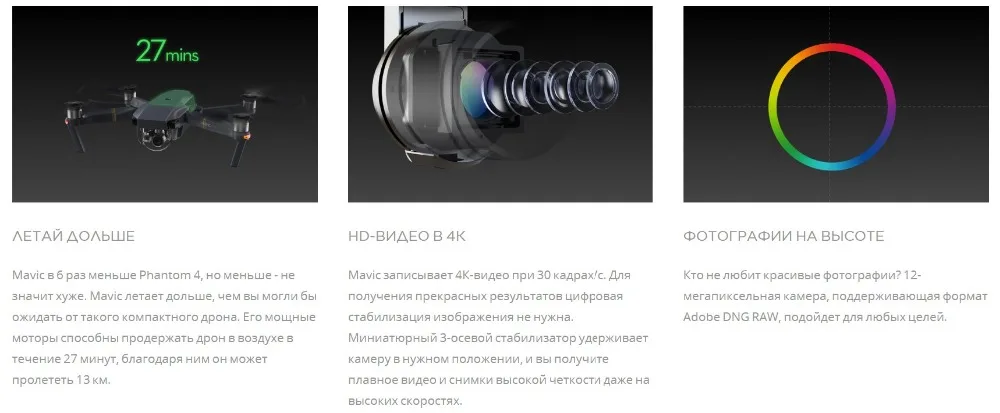
In calm weather and under ideal conditions, the Mavic can fly up to 8 miles (13km) at 31 mph (50 kph). Real-world performance will vary though, so we urge you to monitor your battery level at all times.
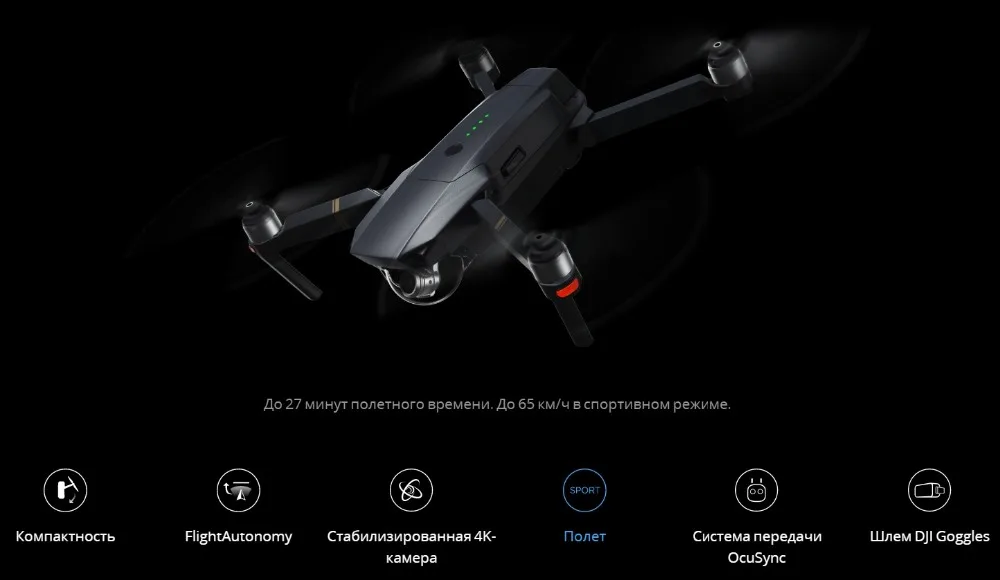
Thanks to its rotor system optimized for forward flight and its aerodynamic design, when flying at the optimum speed for energy consumption, the Mavic consumes less energy then it does hovering. This is why it is able to give you a 27 minute flight time, while its hover time is 24 minutes.
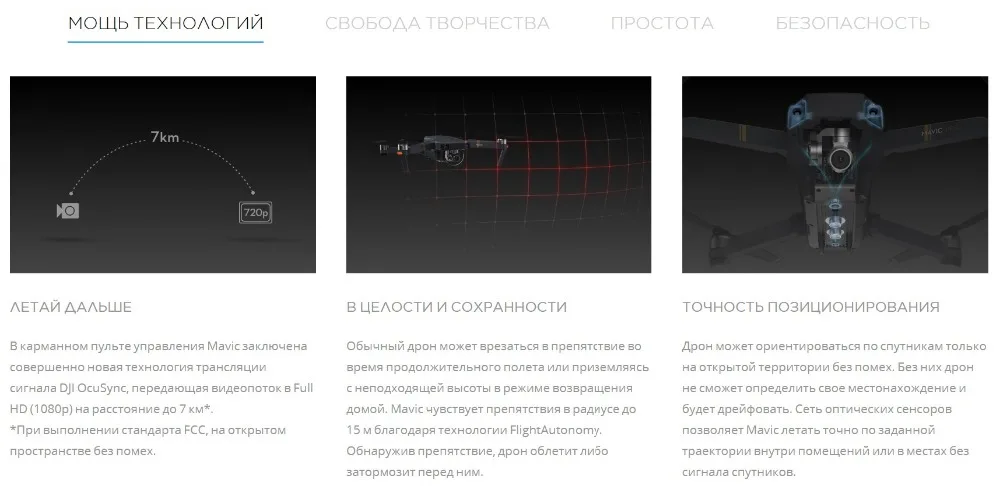
OcuSync has a range of up to 4.3 miles (7 km) with improved resistance to interference and a higher transmission throughput. At shorter ranges it can stream footage to you at 1080p resolution and also allows photo and video downloads at 40Mb/s.
The users can switch between 1080P and 720P manually. However we don't suggest the users use the 1080P when there is strong electromagnetic interference or for far-field transmission.
160ms-170ms from the Mavic’s camera to your device screen under ideal conditions.
When the Vision System fails to function normally, you can do a quick calibration in the
 7 days return
  Quality commitment
  Damaged mail
  Fast shipping
 08:00-22:30(Monday to Sunday)
E-mail:info@yikejiaoyu.com



Customer reviews
100%positive
Write a customer review